The Ultimate Shopping Hack with Paypal gift card
What is Paypal Gift Card?
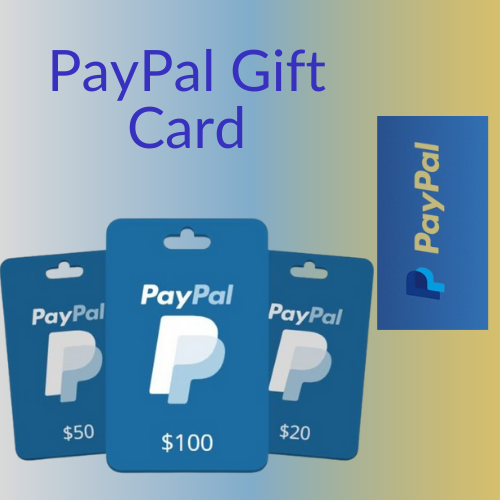
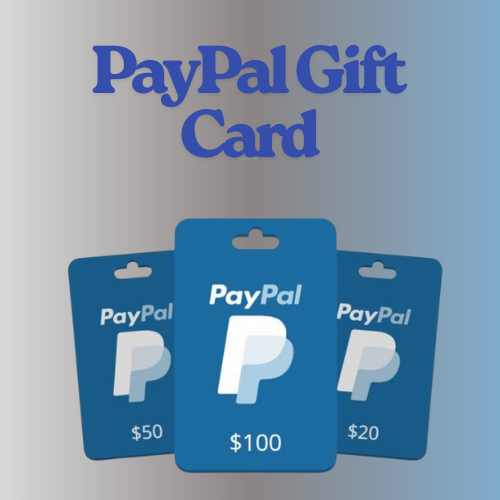
A PayPal Gift Card is a prepaid card that adds funds to your PayPal account.
It comes in digital or physical formats and can be used for online shopping or sending money through PayPal.
Available in amounts like $10, $25, or $50, it allows users to make purchases without linking a bank account.
The card is redeemable by entering a 16-digit code on PayPal.
You can use the balance anywhere PayPal is accepted, such as eBay and other online retailers.
It’s a secure, convenient way to shop online without a credit card and makes a great gift option.
How to Get Paypal Gift Card?
To get a PayPal Gift Card: Buy Online: Purchase a digital PayPal Gift Card directly from websites like the PayPal Store or GiftCard Mall. Retail Stores: Physical PayPal Gift Cards are available at retailers like Walmart, CVS, or Best Buy. Third-Party Sites: You can also buy them from third-party websites like Amazon or eBay. Once you purchase it, you’ll receive a 16-digit code that you can redeem on your PayPal account.

How to Use Paypal Gift Card?
To use a PayPal Gift Card: Log in to your PayPal account. Go to “Wallet” and click on “Link a Card or Bank”. Select “Link a Prepaid Card” and enter the 16-digit code from your PayPal Gift Card. The balance will be added to your PayPal Wallet. You can now use the balance for online purchases or to send money via PayPal.The funds will automatically apply during checkout wherever PayPal is accepted.
How to Redeem Paypal Gift Card?
To redeem a PayPal Gift Card: Log in to your PayPal account. Go to “Wallet” and click on “Link a Card or Bank”. Choose “Link a Prepaid Card”. Enter the 16-digit code from the back of your PayPal Gift Card. Click “Link Card” to add the funds to your PayPal balance. Once redeemed, the balance will be available for use on any PayPal transaction.